Welcome to SubmitAI! This guide walks you through the entire process of uploading your photos and videos, generating AI metadata, refining the results, and exporting them to stock photography agencies.
1. The Dashboard
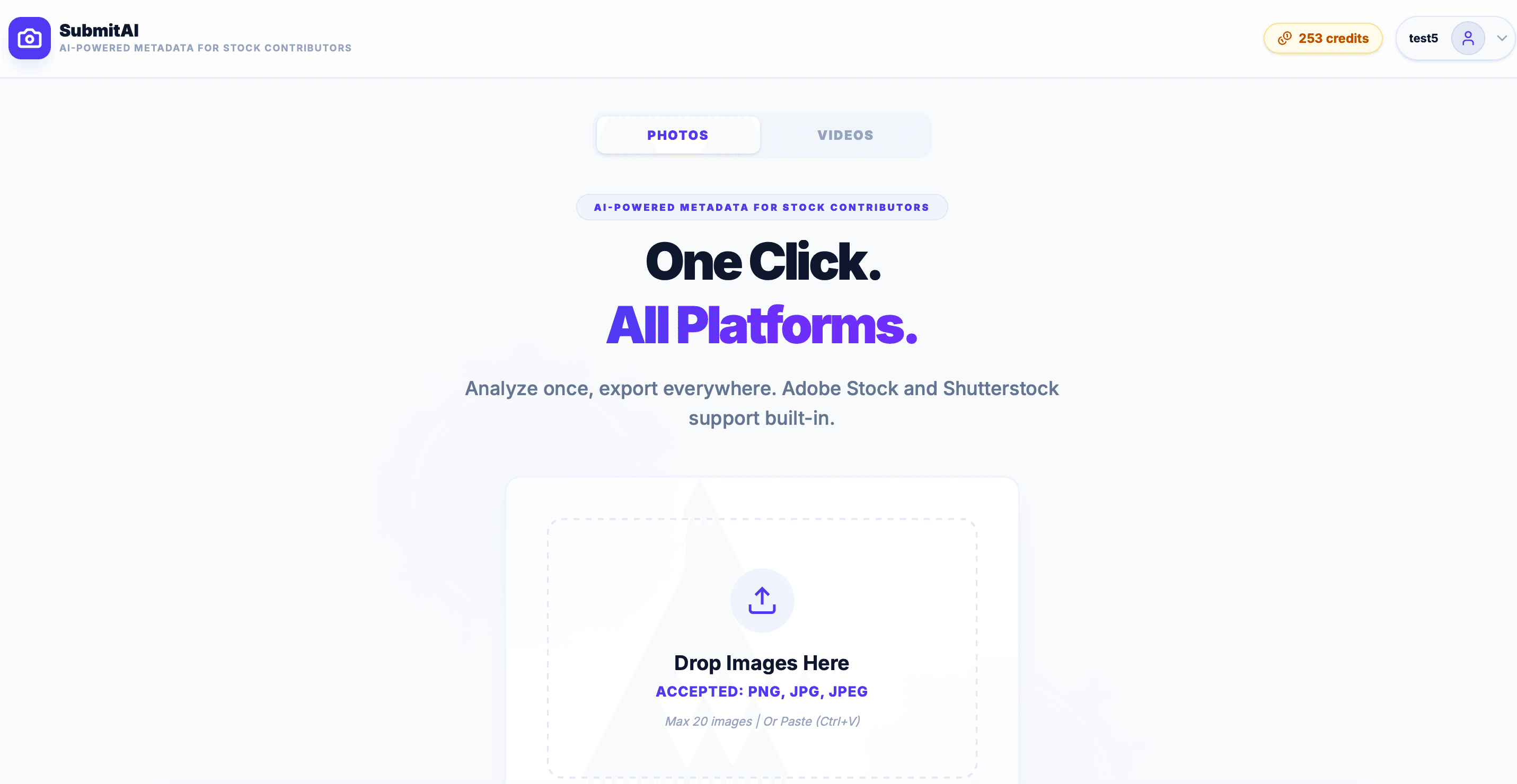
Once you log in, you will be greeted by the main dashboard. This is your command center for uploading assets and managing your credit balance. The clean interface is divided into an upload zone and a top navigation bar where you can check your available credits.
2. Uploading Assets
SubmitAI supports both photos and videos. You can drag and drop your files directly into the upload area. Depending on the format, AI will analyze either the static image or extract key frames from the video to understand the content perfectly.
Photo Assets
Cost: 1 Credit per photo. Fast processing and direct EXIF metadata extraction.
Video Assets
Cost: 2 Credits per video. Extracts multiple frames for context-aware video analysis.
3. AI Generation
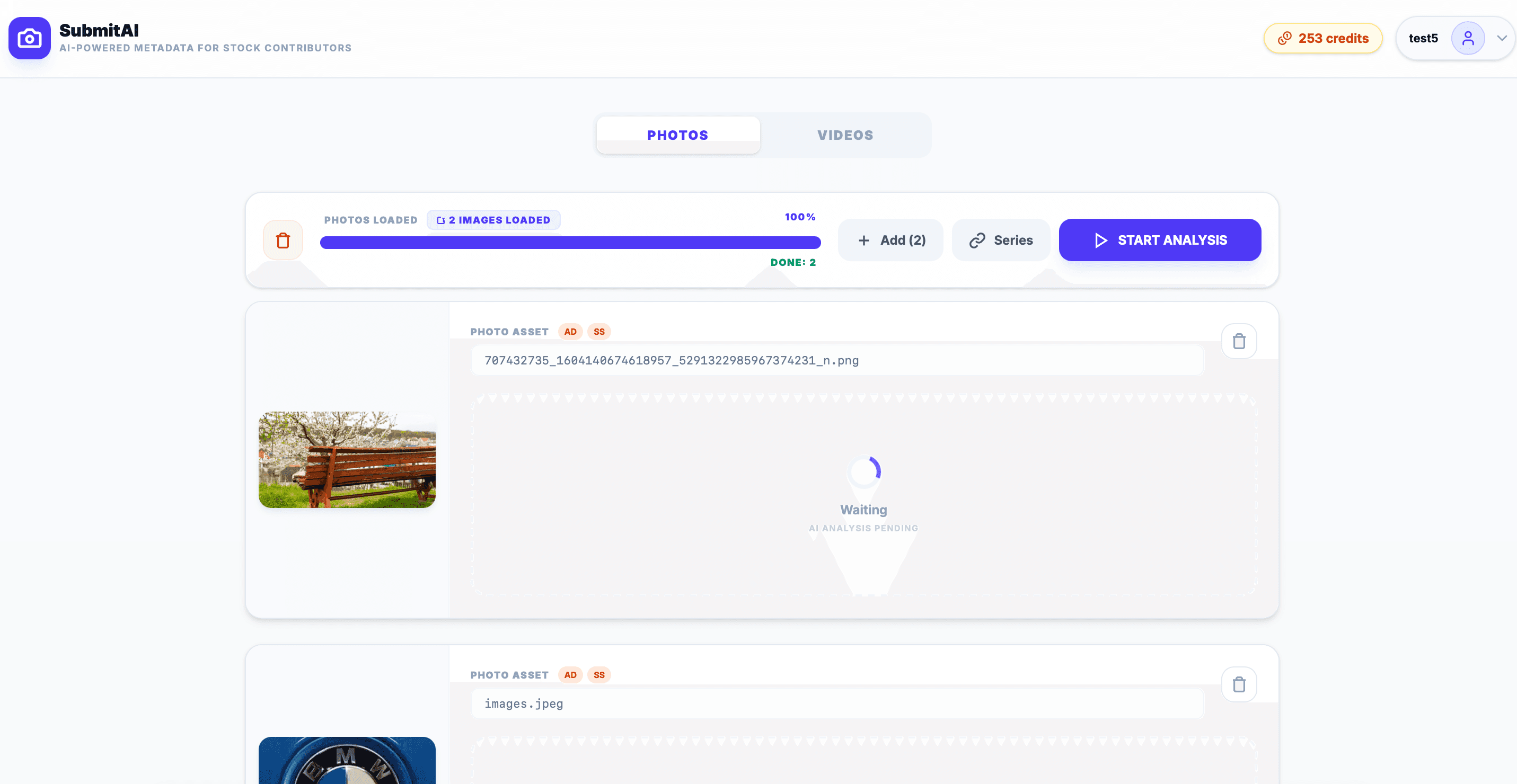
Once your assets are loaded, click the START ANALYSIS button. Our AI engine will scan each file and generate highly-optimized titles, descriptions, and a perfectly ordered list of keywords. A progress bar will keep you updated.
4. Editing Results
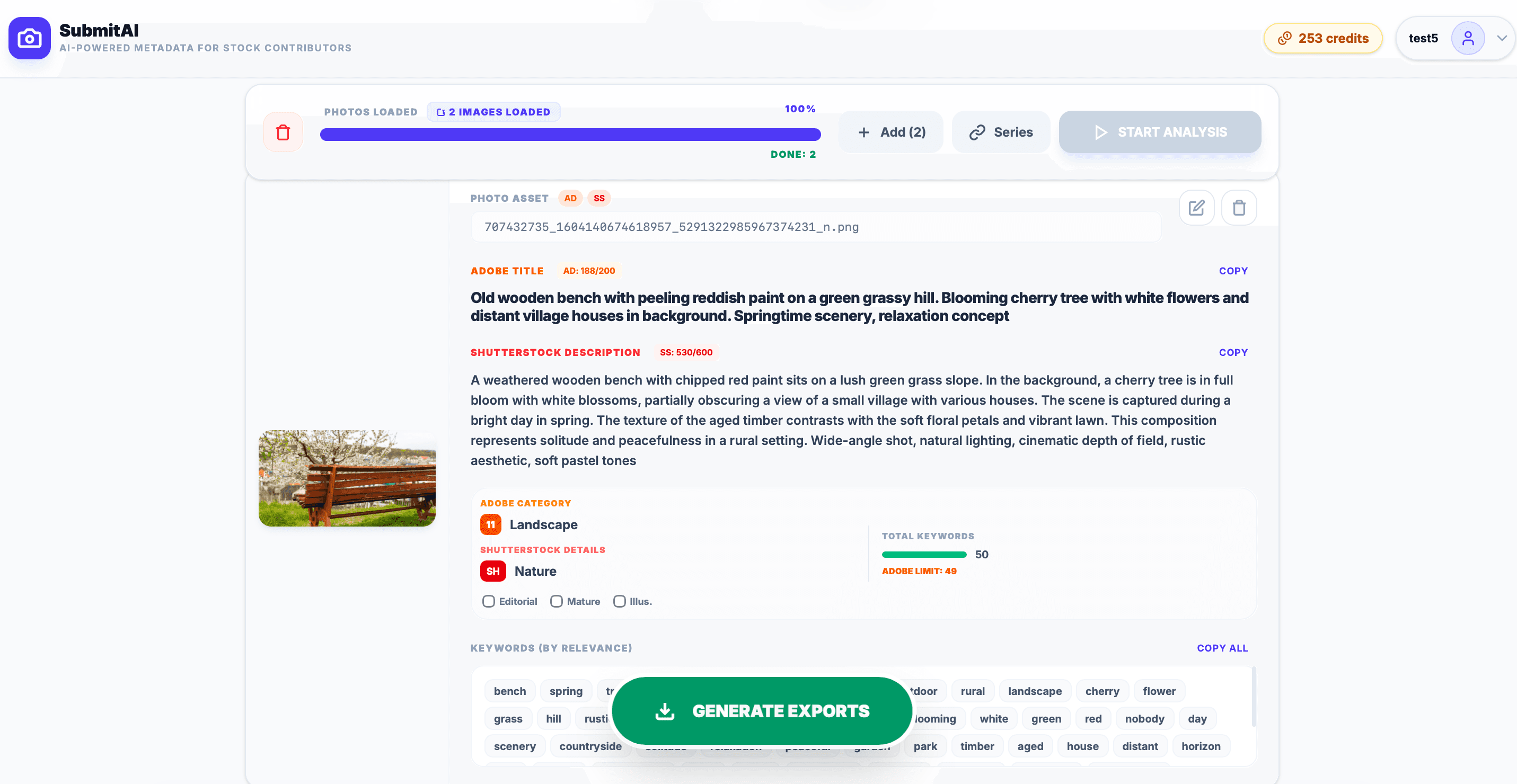
After the AI completes its analysis, a metadata card will appear for each asset. You can directly edit the title, description, and keywords to add your personal touch or correct any details. The interface is intuitive, allowing you to add or remove keyword tags instantly.
5. Exporting
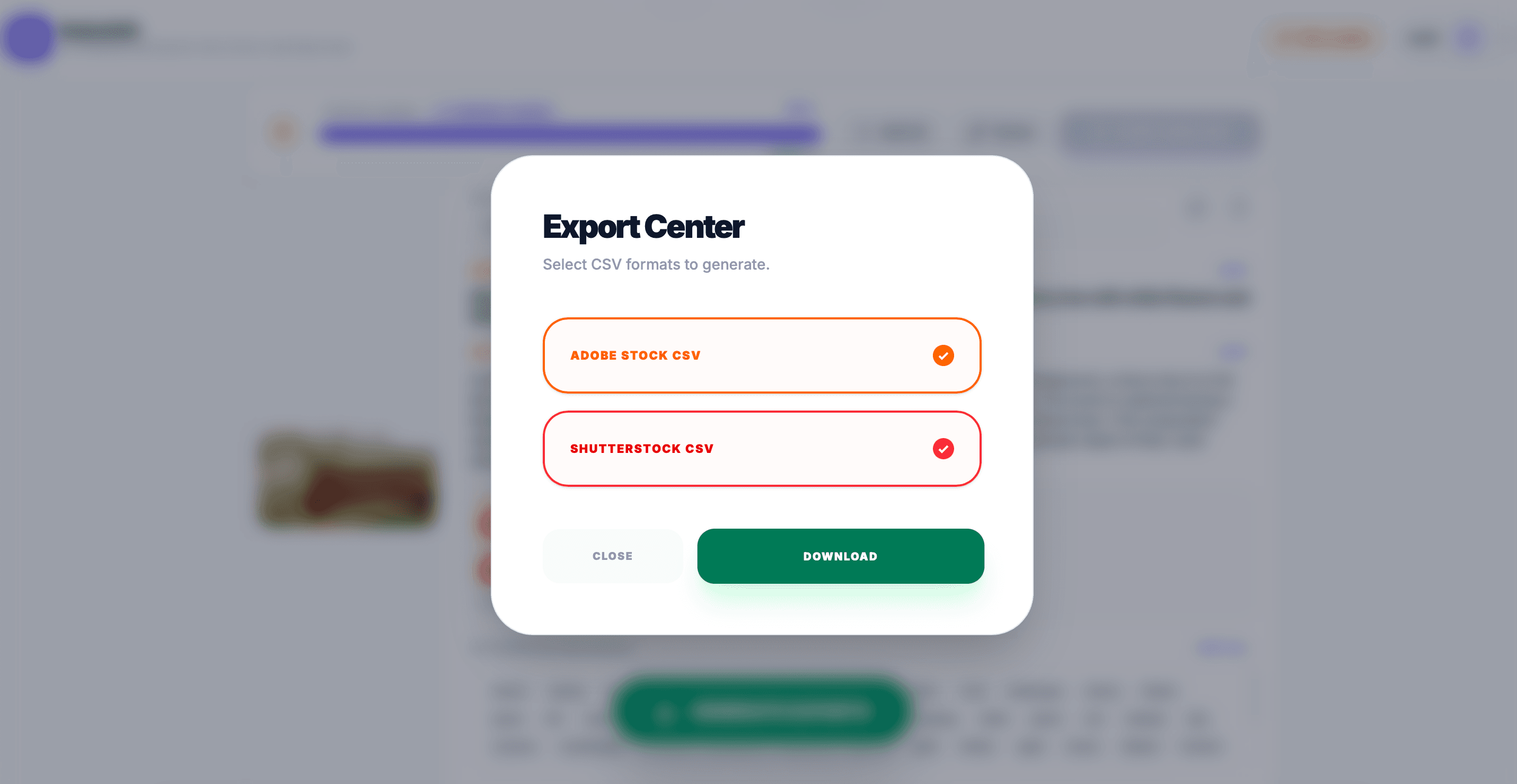
Once you are happy with the metadata, you have multiple ways to export it. You can copy individual fields (Title, Keywords) directly to your clipboard using the quick-action buttons on the asset card.
6. Pro Tips
- Keyword Ordering: The most relevant keywords are automatically placed first by the AI. Many agencies give more weight to the first 10-15 keywords.
- Trademark Avoidance: Our AI attempts to avoid copyrighted brands, but always do a quick manual check before exporting, especially for editorial content.
- Batch Operations: If you shoot in bursts or series, use our Series Workflow to apply consistent metadata to similar shots efficiently.
7. Plans & Credits
SubmitAI offers flexible plans designed to adapt to your workflow, whether you shoot occasionally or manage an agency-level stock photography business.
Free Starter Plan
- 10 free credits refilled automatically every month.
- Single-asset analysis (1 image or video at a time).
- Copy results to clipboard manually.
Upgraded Plans
- Batch Processing: Analyze up to 20, 50, or 100 assets simultaneously.
- CSV Exports: Download spreadsheet files formatted directly for Adobe Stock and Shutterstock.
- Export History: Access and redownload your last 15 exports from the past 30 days.
- Flexible options: Monthly Subscriptions or one-time Pay-As-You-Go Packs.